Tethering, Usb tethering – LG LGM320N X Power 2 Instrukcja Obsługi
Strona 225
Advertising
Settings
95
Tethering
USB tethering
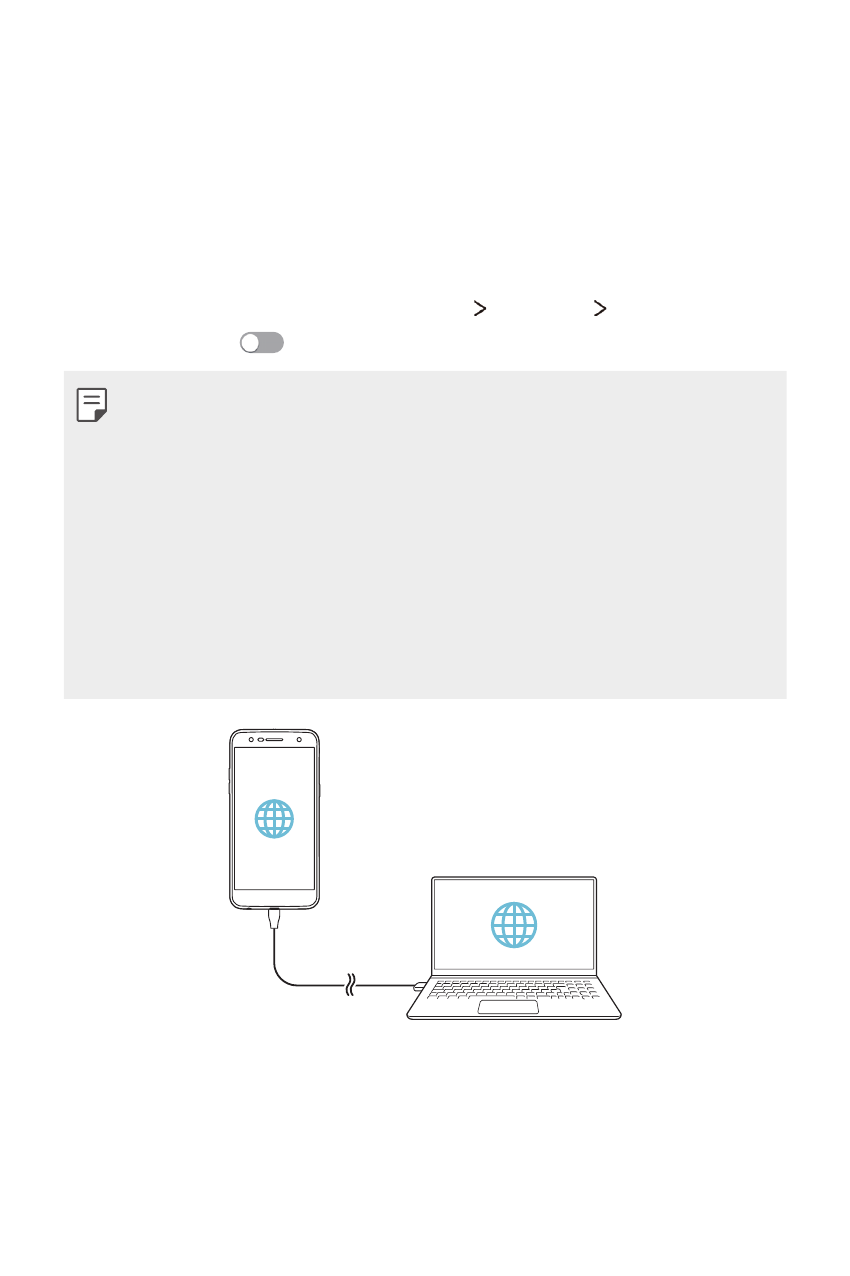
You can connect the device to another device via USB and share mobile
data.
1
Connect your device and other devices via USB cable.
2
On the settings screen, tap Networks Tethering USB tethering
and then drag
to activate it.
•
This option uses mobile data and may incur data usage fees, depending
on your pricing plan. Consult with your service provider for more
information.
•
When connecting to a computer, download the USB driver from
www.lg.com and install it on the computer.
•
You cannot send or receive files between your device and a computer
while USB tethering is turned on. Turn off USB tethering to send or
receive files.
•
Operating systems that support tethering are Window XP or higher, or
Linux.
Advertising
Podręcznik ten jest związany z następujących produktów: