Gesture view, Save as flipped – LG LGM320N X Power 2 Instrukcja Obsługi
Strona 200
Advertising
Useful Apps
70
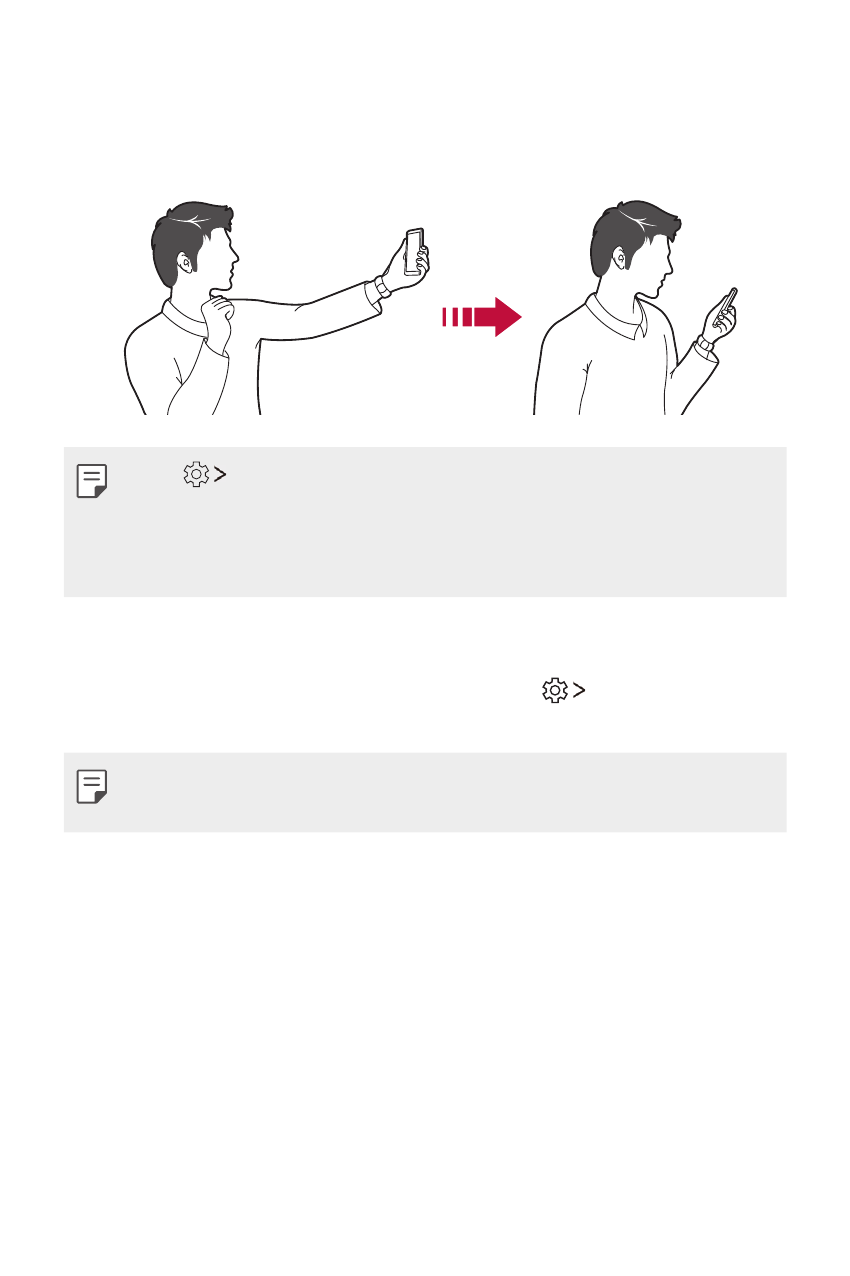
Gesture view
After taking a selfie with the front camera, you can preview the selfie
immediately by placing the screen close to your face.
•
Tap
Gesture view to enable the Gesture view feature.
•
Only one preview is available each time a photo is taken.
•
If you rotate the device while in preview screen, the screen switches to
camera mode.
Save as flipped
Before taking a photo with the front camera, tap Save as flipped.
The image is flipped horizontally.
•
When using the front camera, you can change how selfies are taken in
the camera options. See
Customising the camera options
for details.
Advertising
Podręcznik ten jest związany z następujących produktów: