Share & connect, Android beam – LG LGM320N X Power 2 Instrukcja Obsługi
Strona 223
Settings
93
Share & connect
NFC
You can use the device as a transportation card or credit card. You can also
share data with the other device.
1
On the setting screen, tap Networks Share & connect NFC.
2
Drag
to activate it.
•
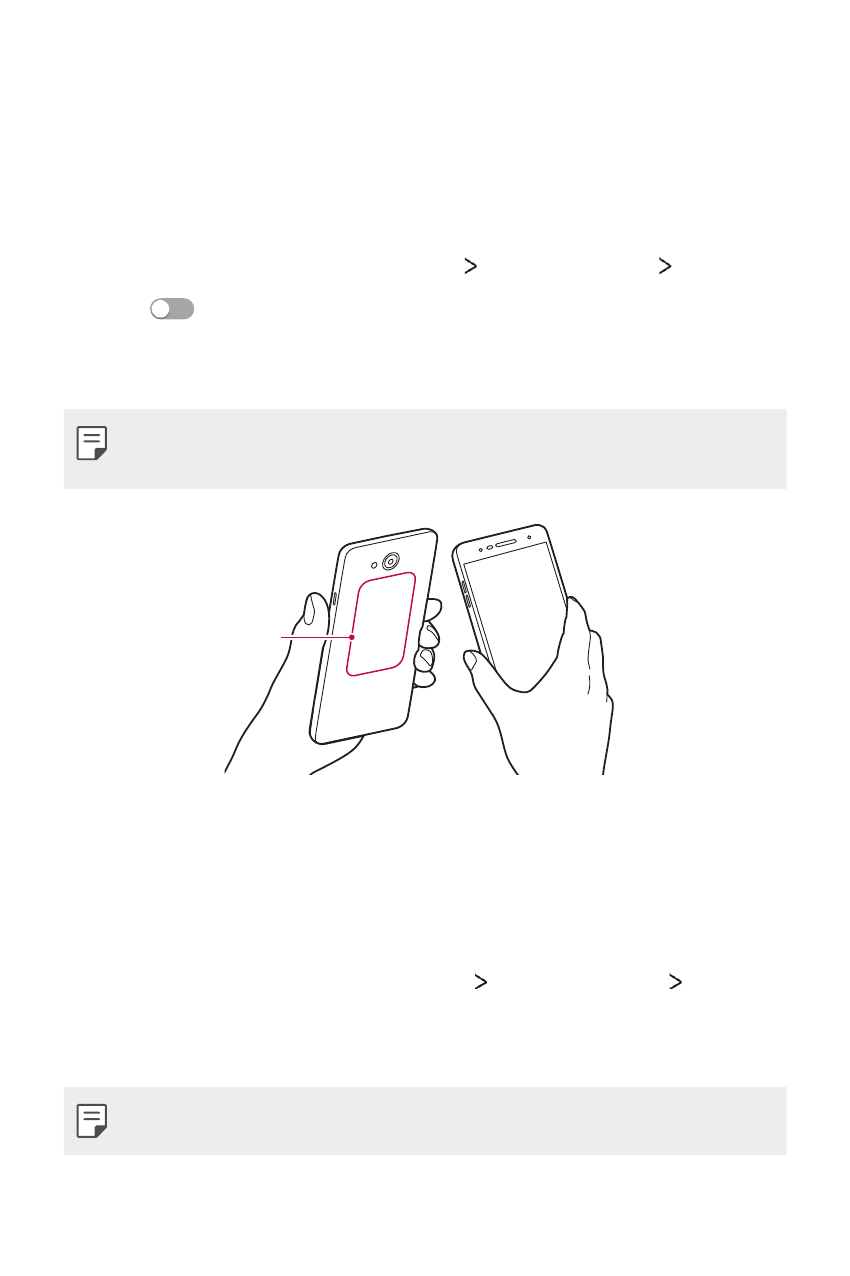
Touch your device with other device that supports NFC to allow
sharing data.
•
NFC antenna may be located differently depending on the device type.
See
for details about the NFC antenna area.
NFC antenna
(built-in)
Android Beam
You can share files by touching the back of the device to other device. You
can also share files including music, videos or contacts and open a web
page or launch an app from the other device.
1
On the settings screen, tap Networks Share & connect Android
Beam.
2
Touch the back of the device with another device.
•
NFC antenna may be located differently depending on the device type.