Programming the time – Crivit KH260-10/09-V2 Instrukcja Obsługi
Strona 14
Advertising
- 12 -
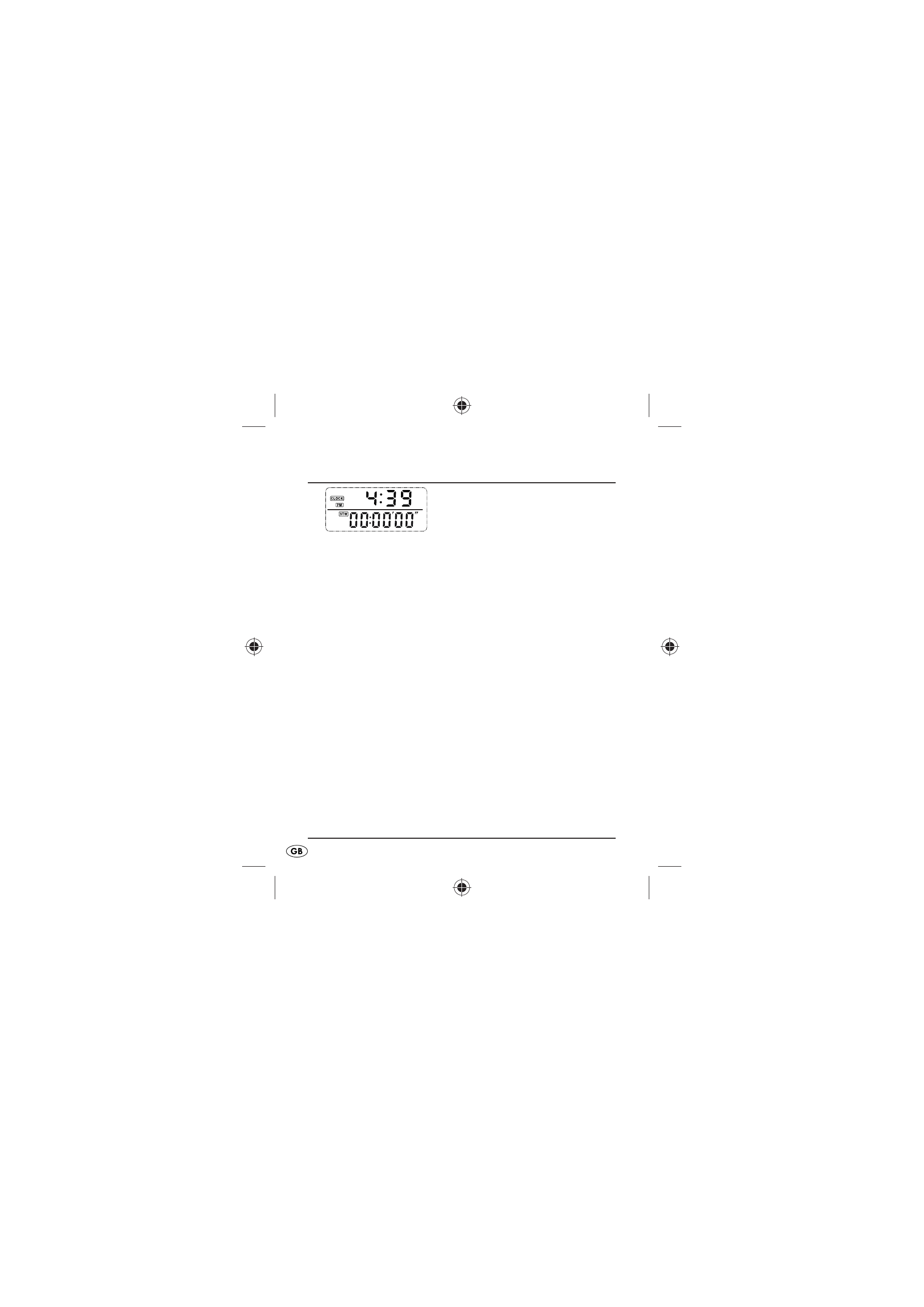
Programming the time
Fig.:
Clock/Stopwatch
Repeatedly press the button MODE until you are in the
•
display mode Clock/Stopwatch.
Press the button SET for three seconds, the 24 hour
•
display blinks.
Press the button UP to switch between the 12 hour and
•
the 24 hour formats.
Press the button SET to confi rm the setting and to
•
switch to hour adjustment.
Press the button UP to set the hours.
•
Press the button SET to switch to minutes adjustment.
•
Press the button UP to set the minutes.
•
Press the button SET to accept the adjustment and to
•
depart the adjustment mode.
KH260_43209_LB4A.indb Abs1:12
KH260_43209_LB4A.indb Abs1:12
26.11.2009 15:14:45 Uhr
26.11.2009 15:14:45 Uhr
Advertising